Dues and utility bills
Aidat, gas, electricity and water per flat, every month.
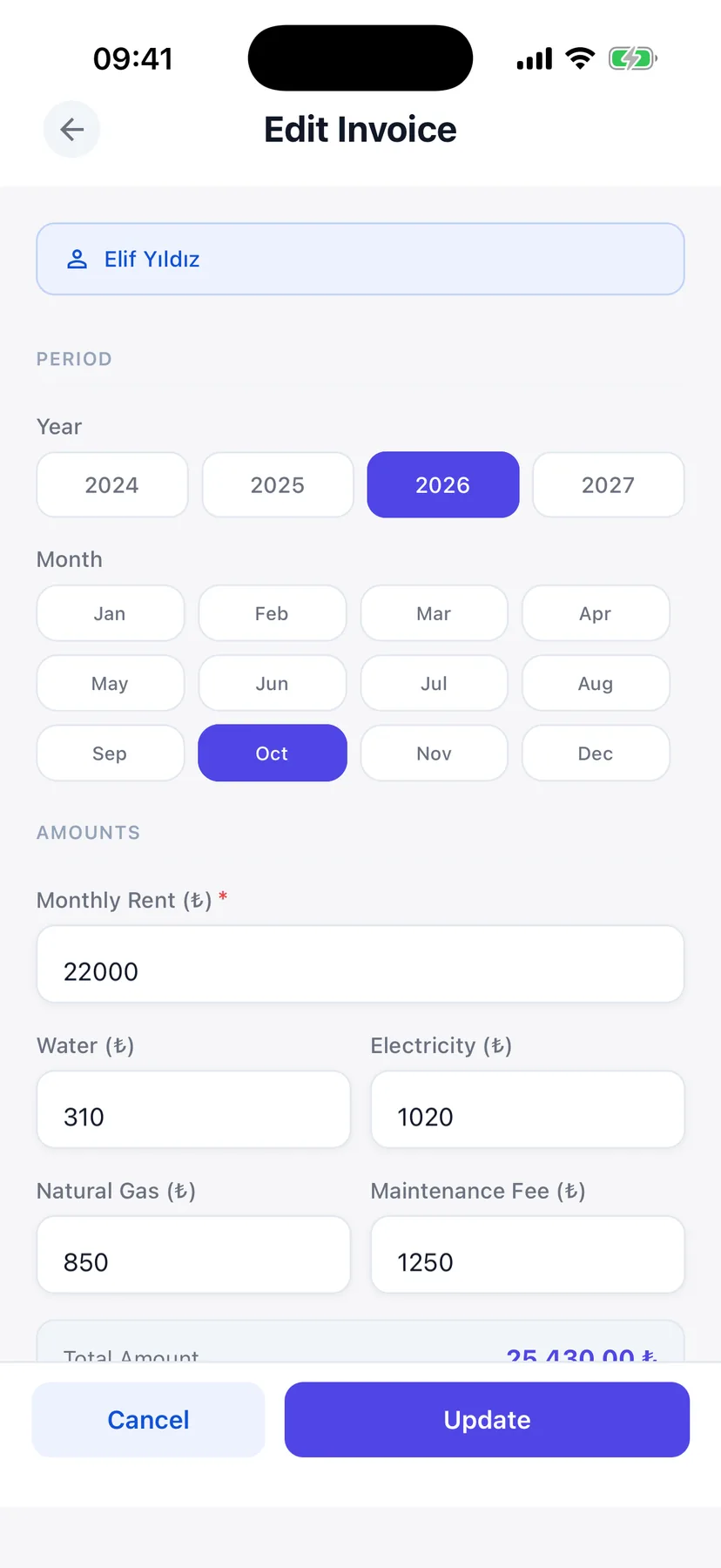
Record every rent payment, add the month's bills and see who still owes you, flat by flat. DetaApart keeps your buildings' money in one place and exports it to Excel when your accountant asks.
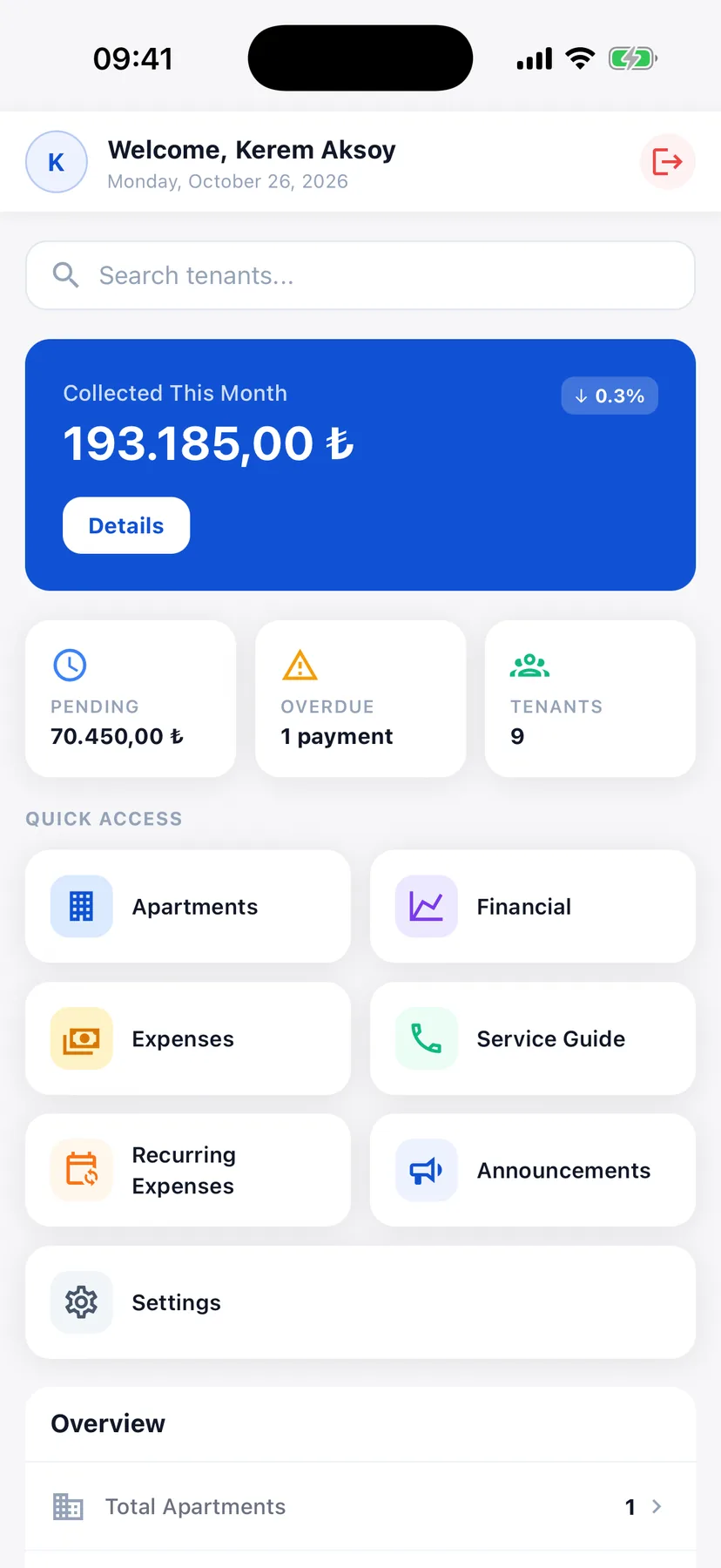
Home, the month's rent, bills, analysis and tenants. Built for the phone you already carry.
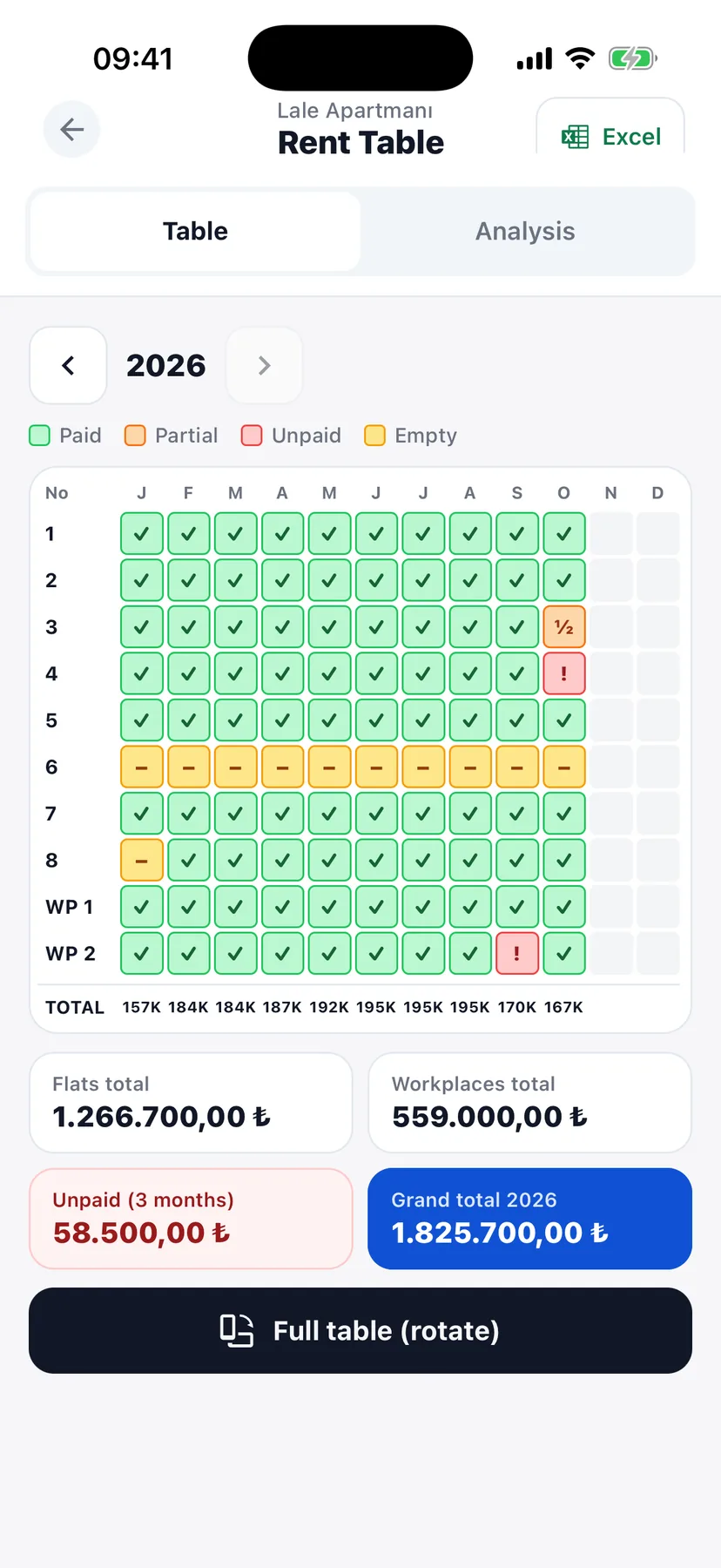
Open the month and see each flat at a glance: paid with the date, unpaid, or empty. Tap a flat for its whole payment history.
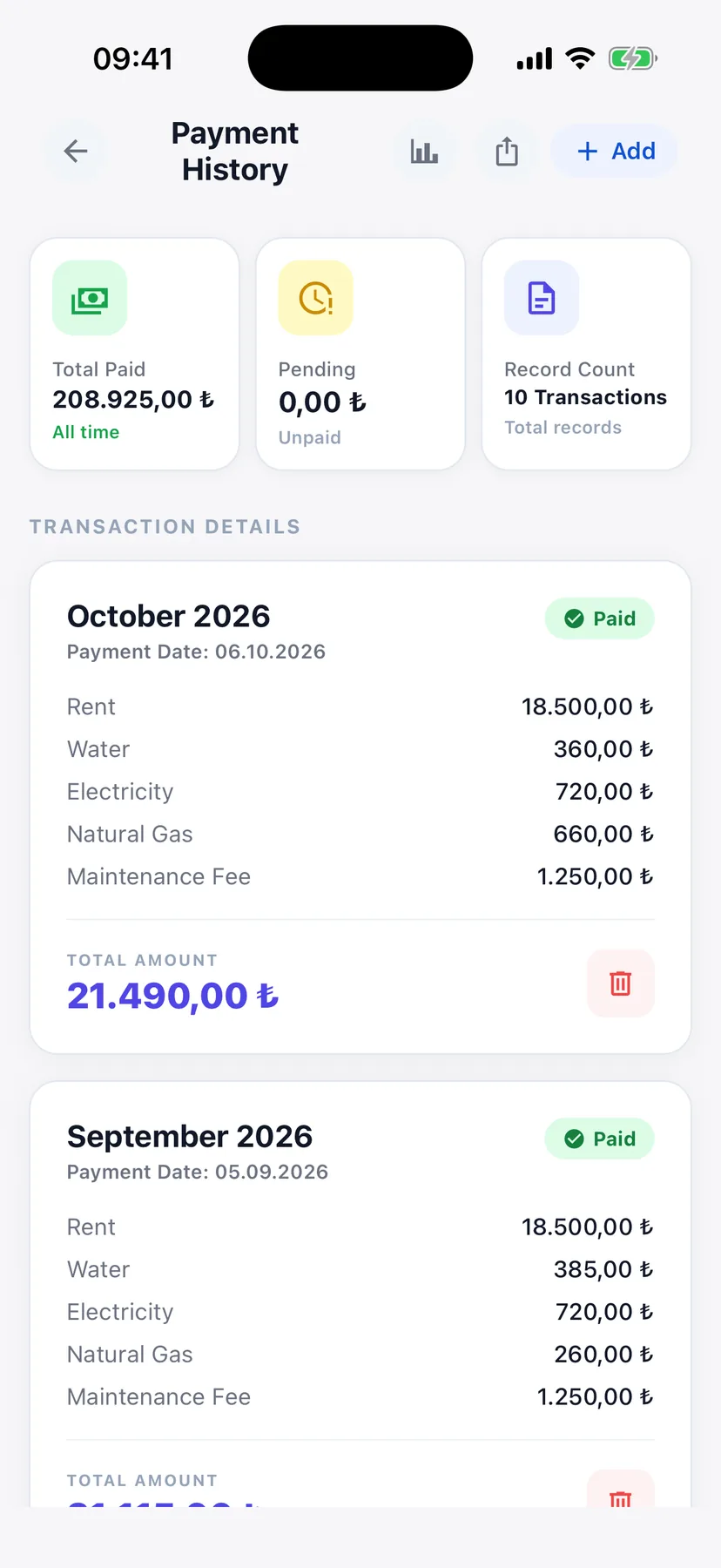
Like the Excel you keep today: every flat in a row, every month's payment date and amount in its own column. Swipe from January to the latest month; partial and unpaid rents stand out in colour.
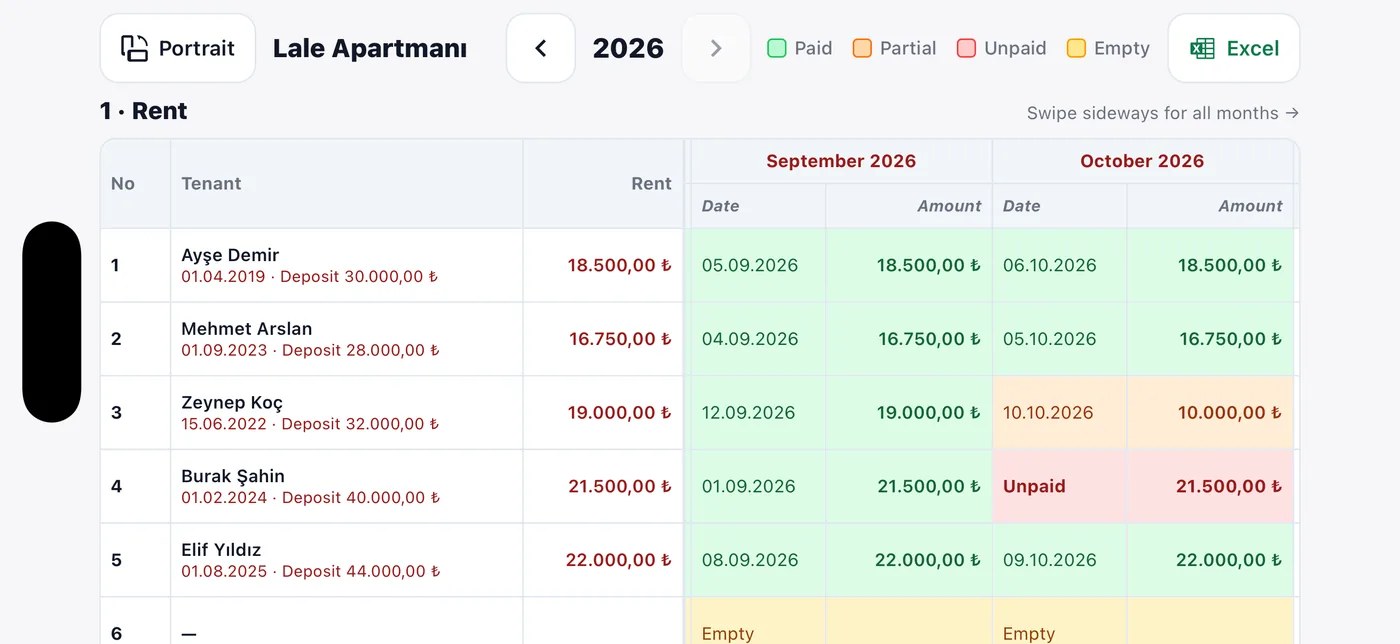
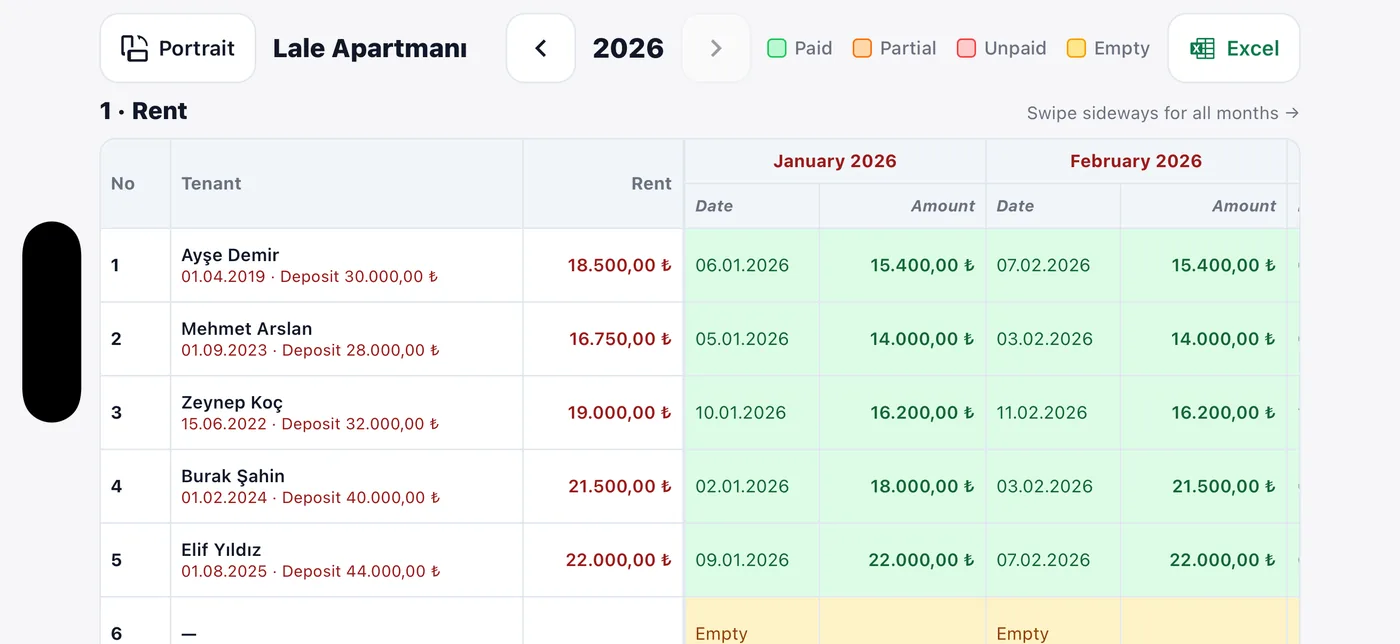
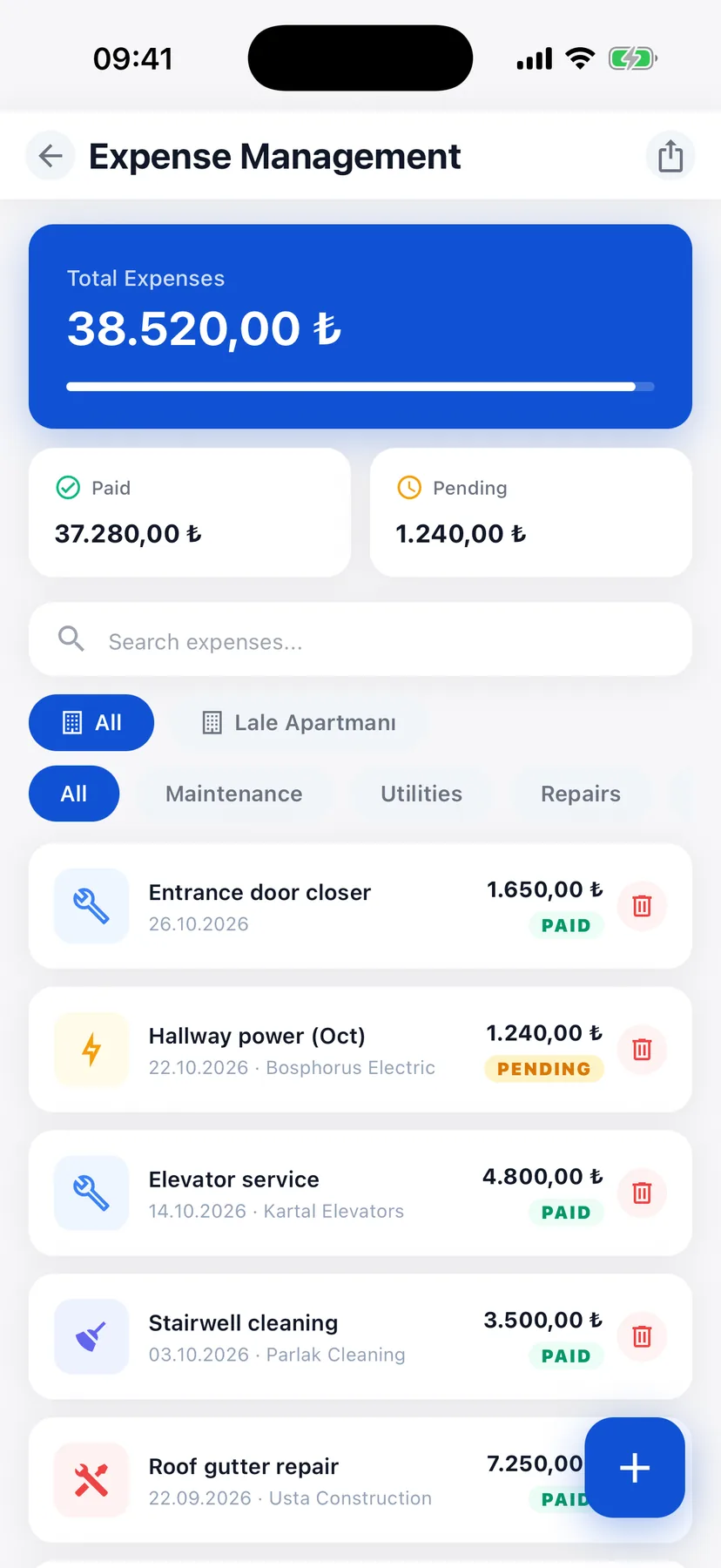
Dues and utility bills per flat, the building's own costs, and the numbers behind them.
Aidat, gas, electricity and water per flat, every month.
Repairs, cleaning and recurring costs with their receipts.
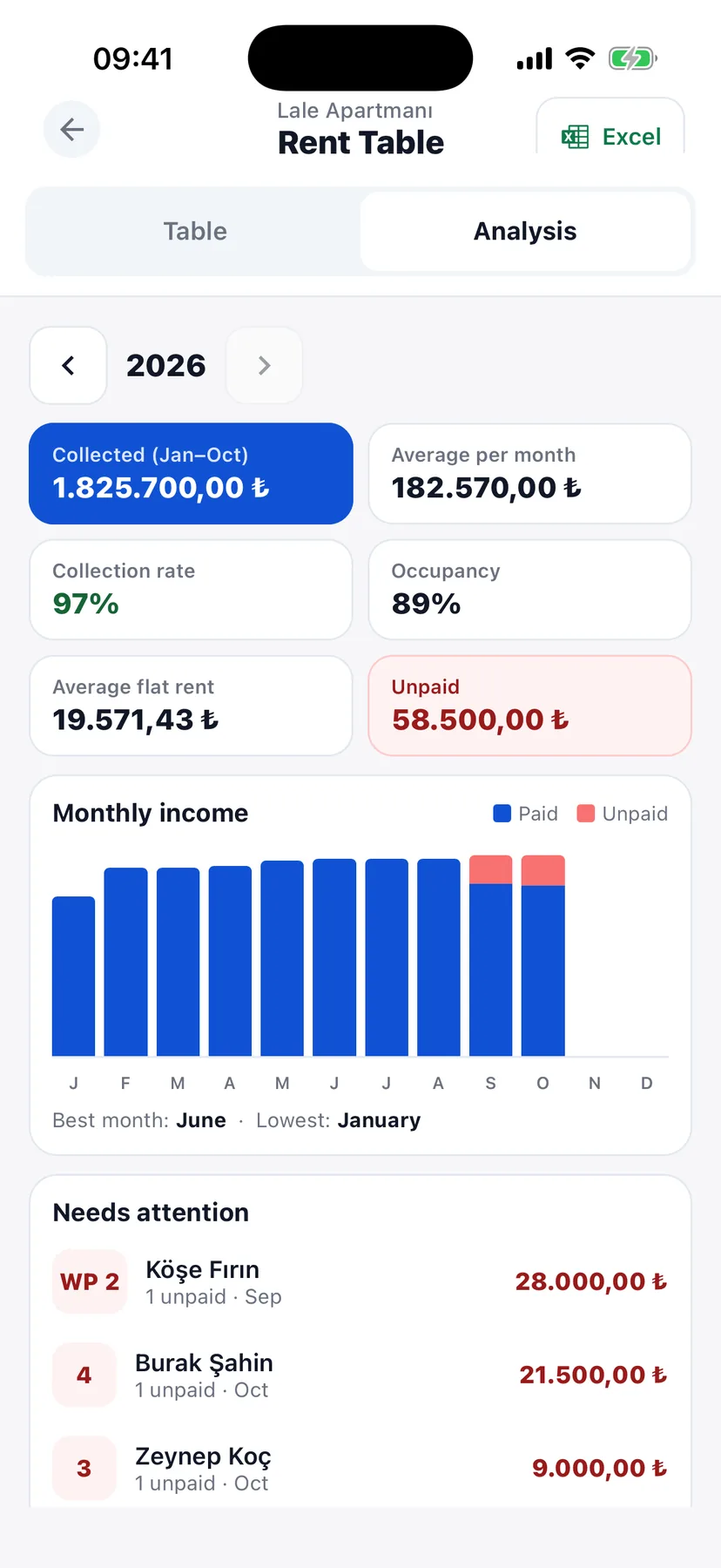
Collection rate, occupancy and income by month.
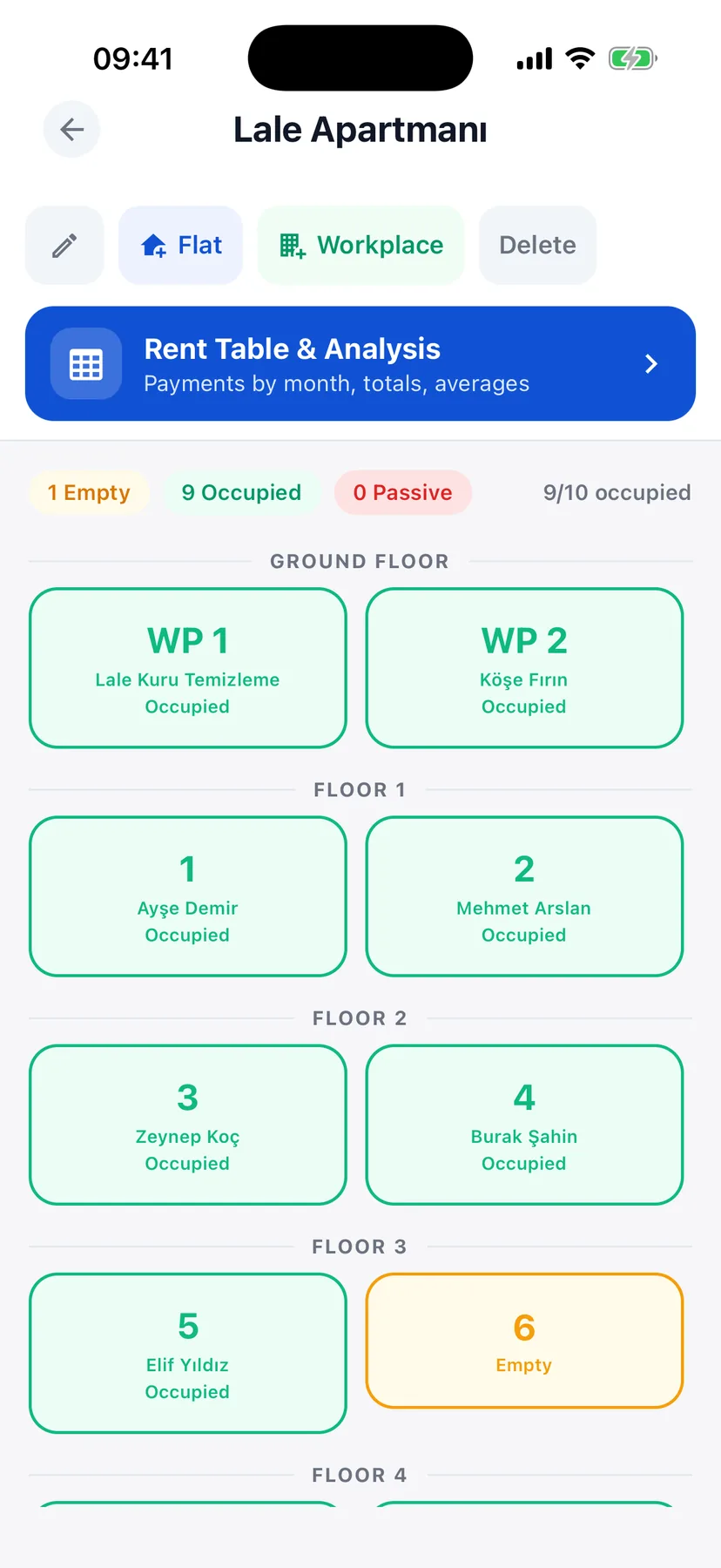
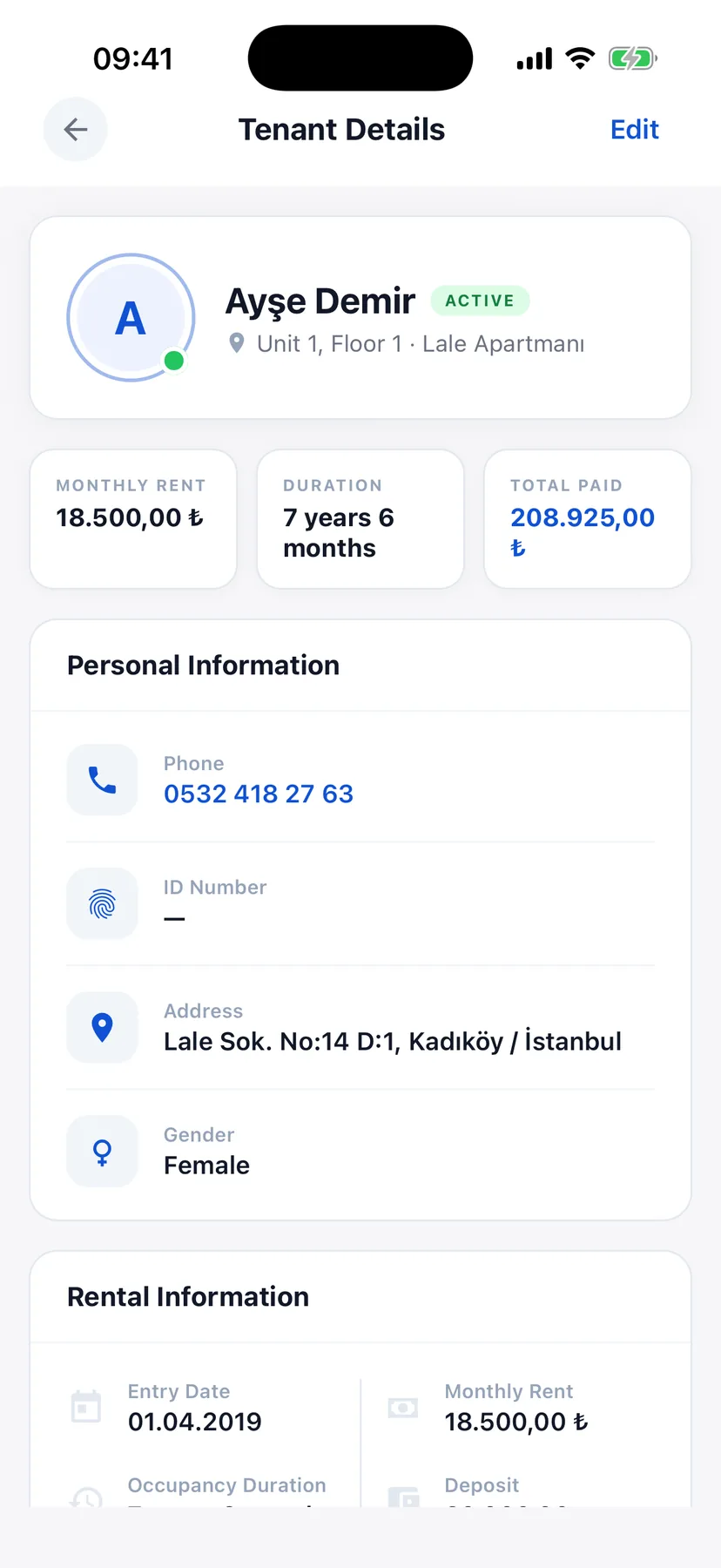
Add a building and its flats and shops are laid out by floor. Each tenant keeps their rent, deposit, payment day and contract.
Flats and shops by floor, occupied or empty.
Rent, deposit, payment day and the signed contract.
Repair requests and your service contacts together.
Upcoming payments without opening the app.
Every feature, no building limit. No credit card, and no automatic charge when it ends.
Every plan includes every feature, with unlimited flats and tenants. Plans will be sold in the app (App Store, Google Play) and on this website.
With the Unlimited plan your whole portfolio stays in one account, with no building limit. Talk to us about moving your existing Excel records in.
Yes. A new account gets 14 days free with every feature and no building limit. After that, choose Plus (up to 5 buildings), Pro (up to 10) or Unlimited.
Landlords and building managers who collect rent and bills from several flats or shops and track it in a notebook or Excel today.
No. You record payments yourself; tenants do not need an account.
Yes. Export the rent and bills tables as an .xlsx file at any time.
On Google Firebase (Cloud Firestore, US multi-region), encrypted in transit and at rest. The details are in our Privacy Policy.
In the app: Settings › Account › Delete Account. Or follow the steps on our account deletion page.